Every screen, explained
Inside the app
Everything Daichi does lives on four screens. Here's what each one looks like, captured from the Android build.
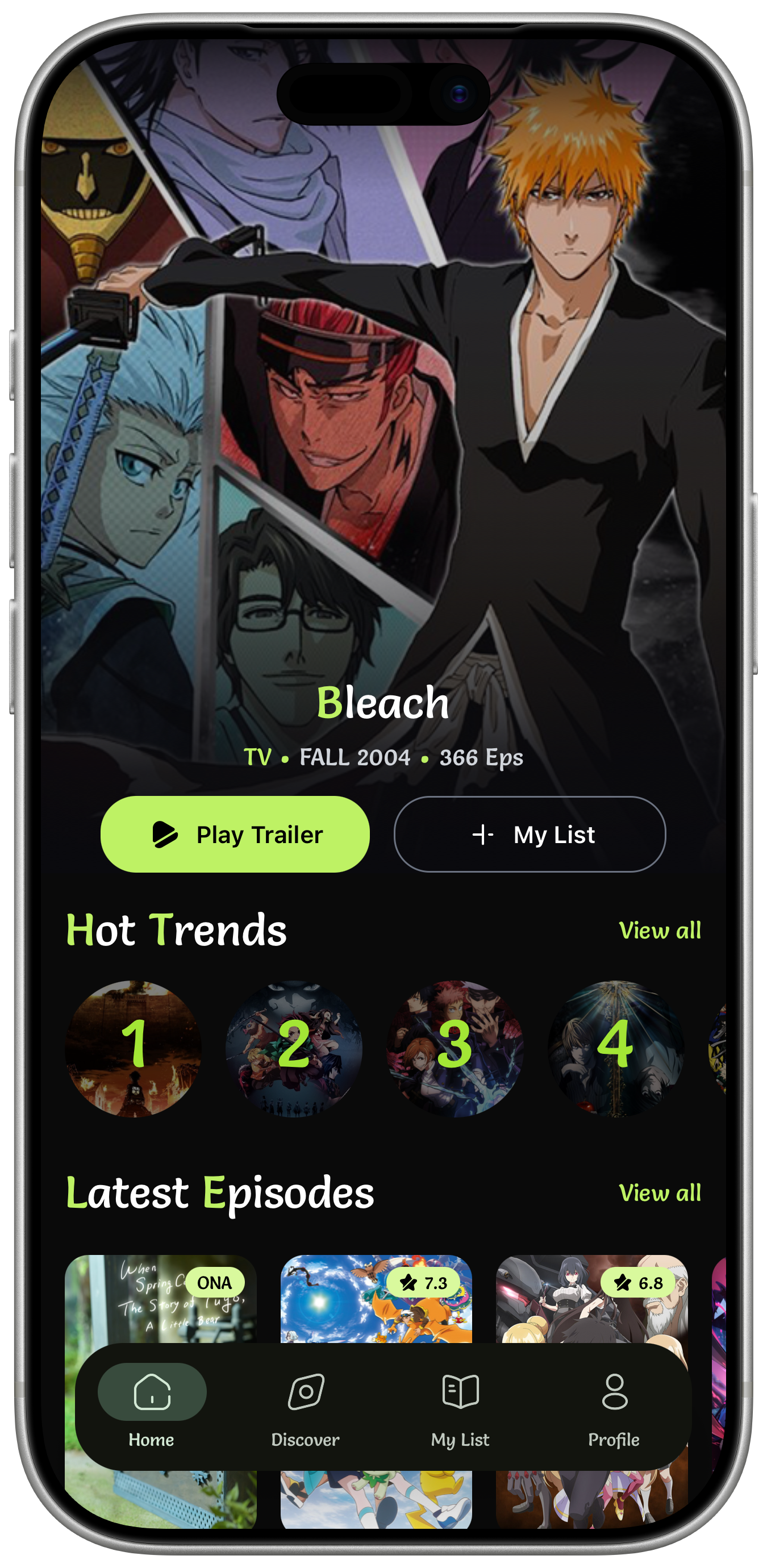
Find something in seconds
The app opens on what's airing right now — no algorithmic feed, no sponsored rows. Search sits one tap away and labels each result sub or dub before you commit.
- Hot trends
- Ranked, refreshed daily
- Latest episodes
- Across every airing show
- Search
- Sub / dub marked per title
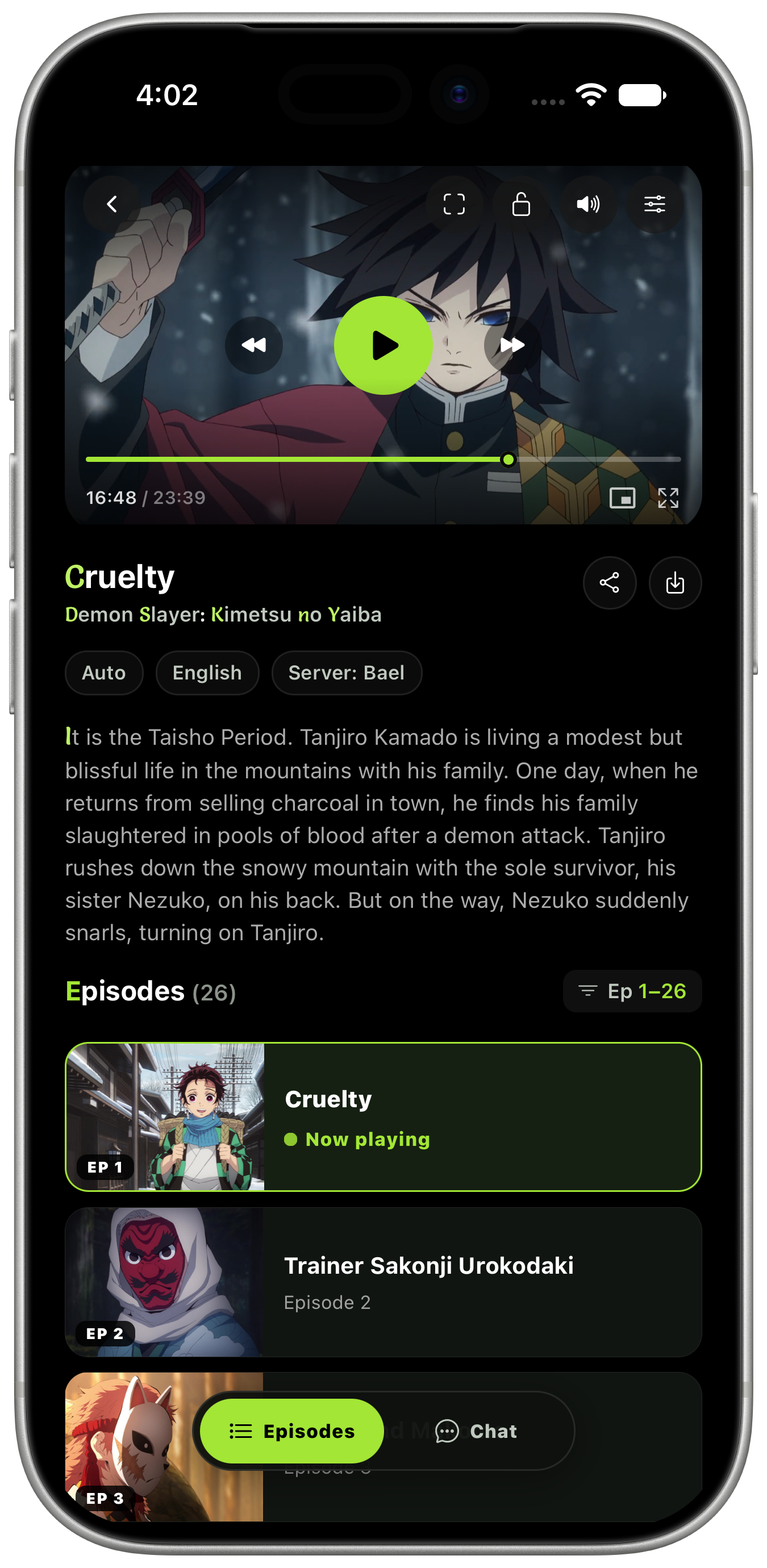
Press play, keep watching
A full player with scrubbing, skip controls, lock, picture-in-picture and fullscreen — with the episode list and chat sitting right below it so you never leave the screen.
- Controls
- Scrub, skip, lock, PiP, fullscreen
- Sources
- Auto quality, language, server
- Episodes
- Now playing marked in the list
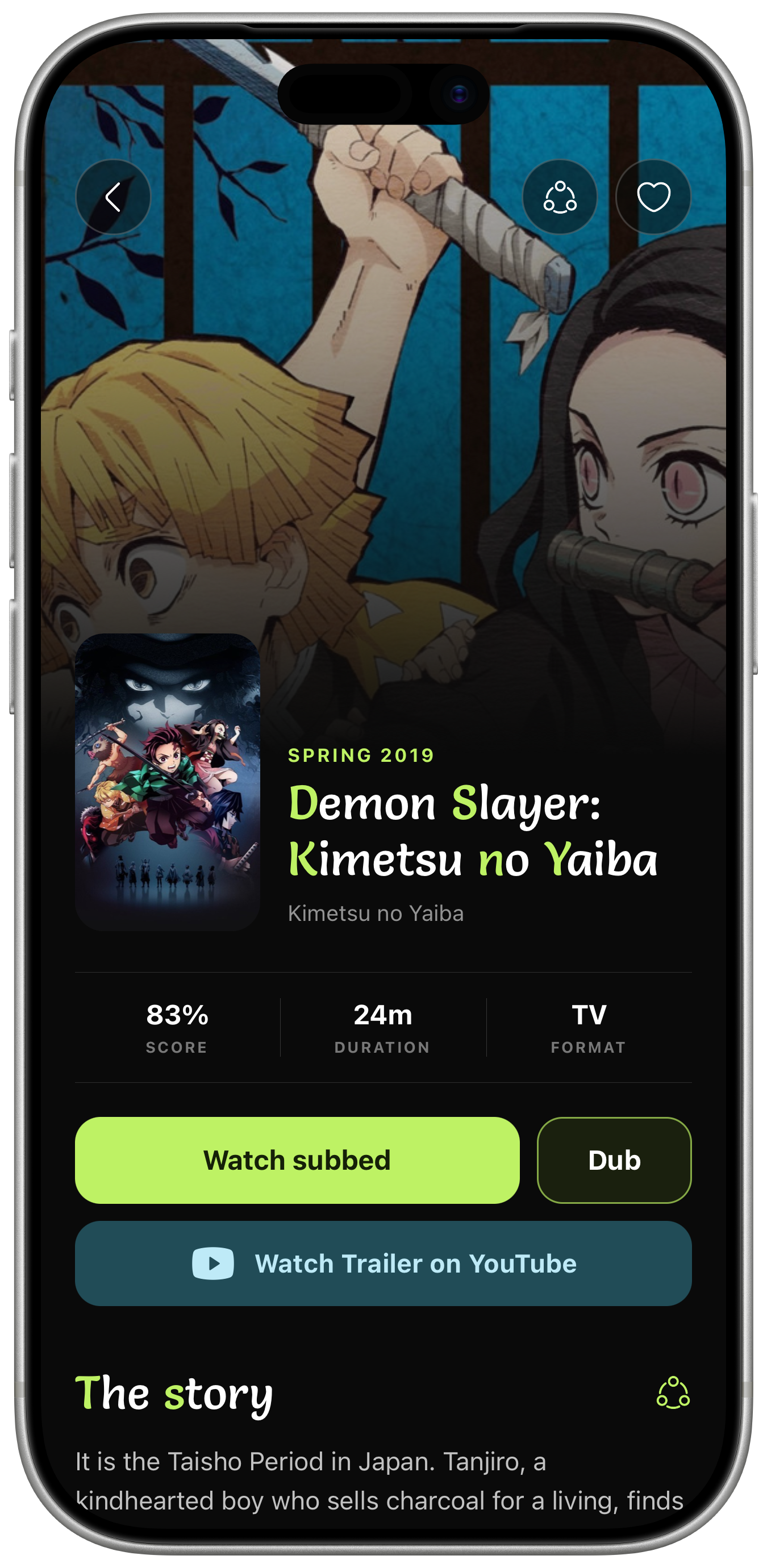
The whole show on one screen
Synopsis, score, studio, format and premiere date sit together — no tabs to hunt through. Cast and Japanese voice actors are listed where the data exists.
- Synopsis
- Expandable, collapsed by default
- Credits
- Characters and voice actors
- Related
- You might also like
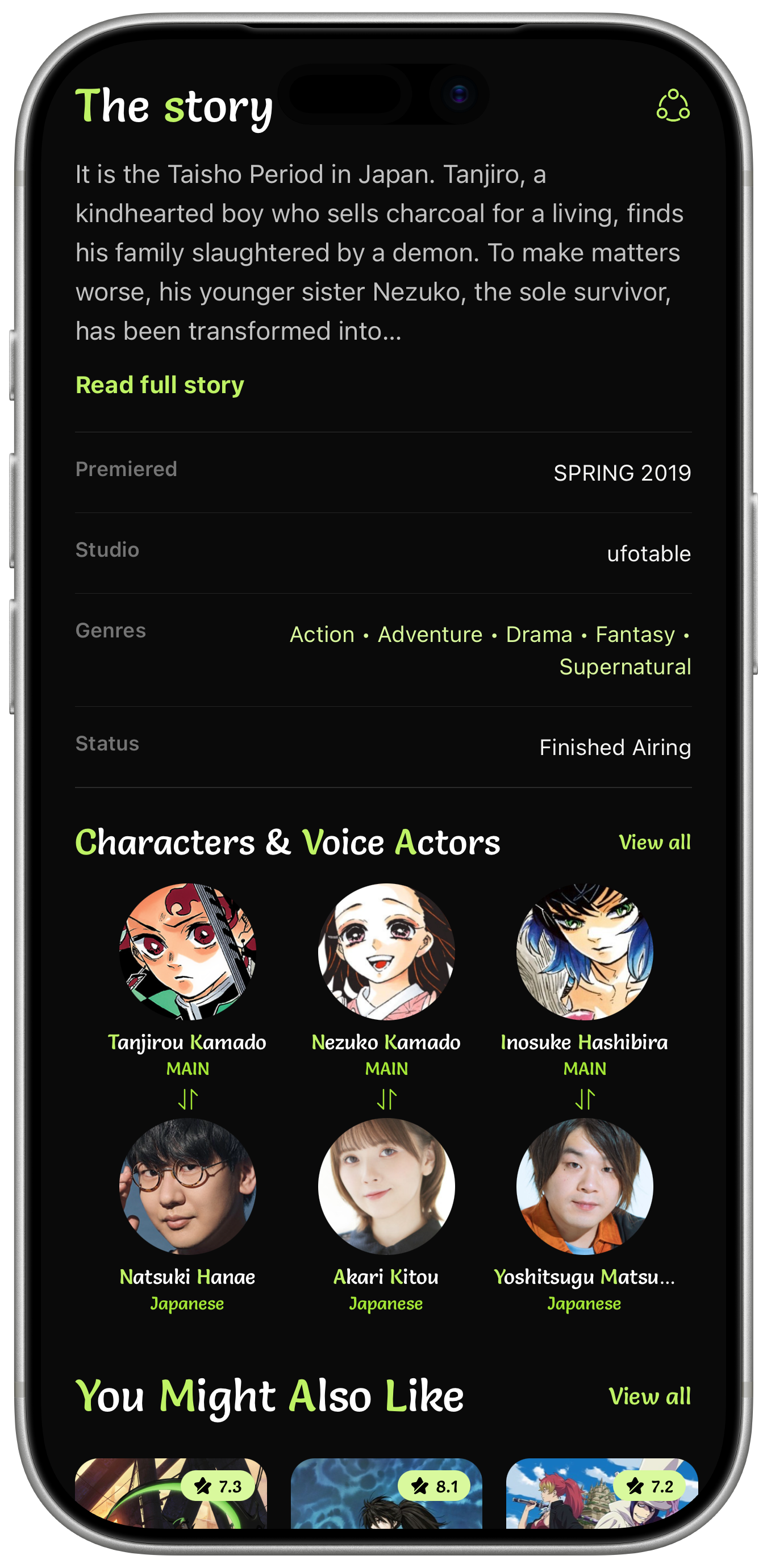
Who is behind the voice
Every details page carries the cast: characters paired with their Japanese voice actors, plus premiered, studio, genres and airing status in one plain table.
- Cast
- Character to voice actor pairs
- Facts
- Premiered, studio, genres, status
- Related
- You might also like
Saved on your device, nowhere else
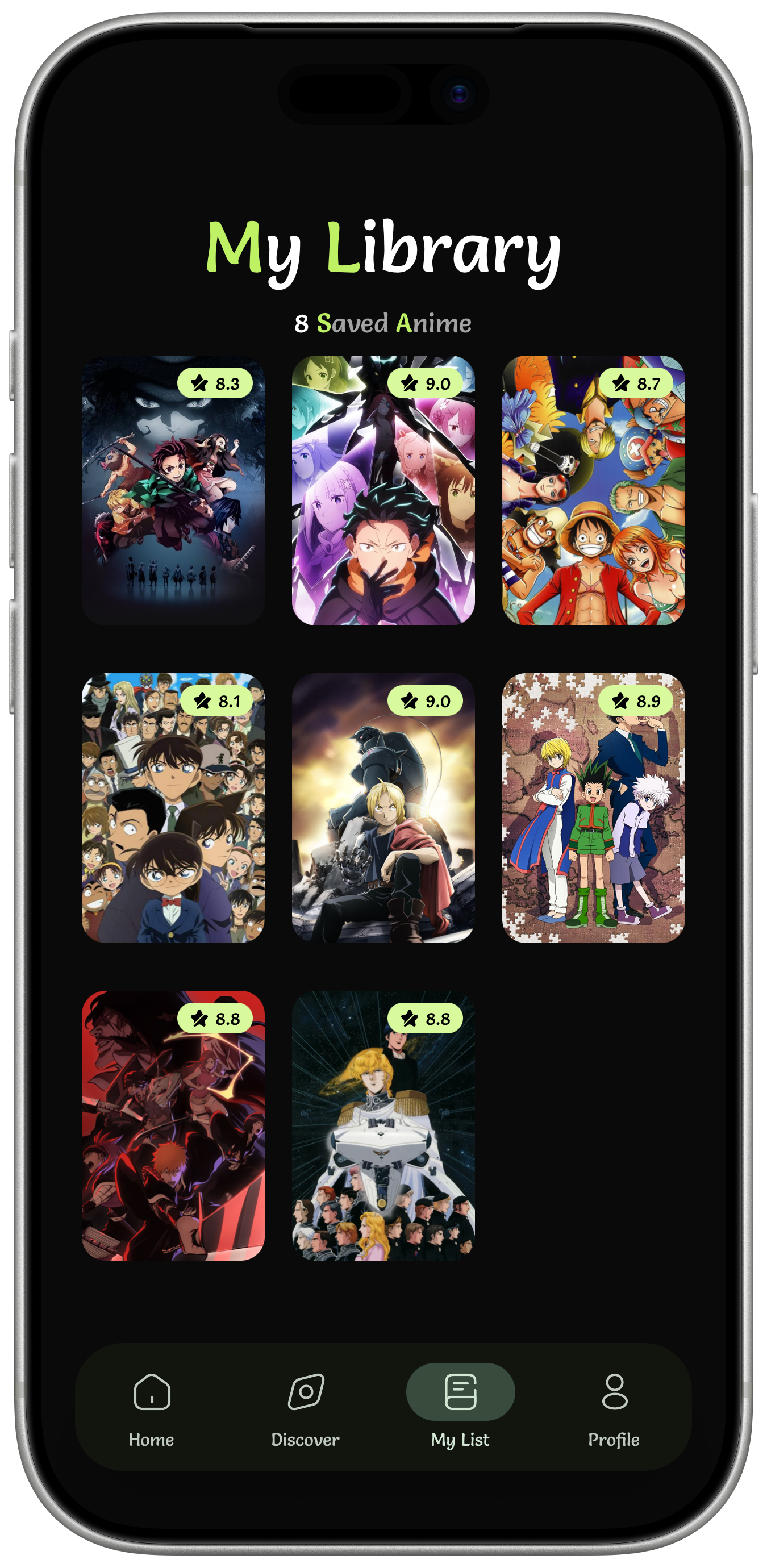
My List is a plain grid of what you saved, with the score on every poster. It lives on the phone — nothing is uploaded, nothing asks you to sign in.
- Grid
- Posters with scores, saved count on top
- Editing
- Add or remove from any details page
- Storage
- Local only, no account
Type it, find it
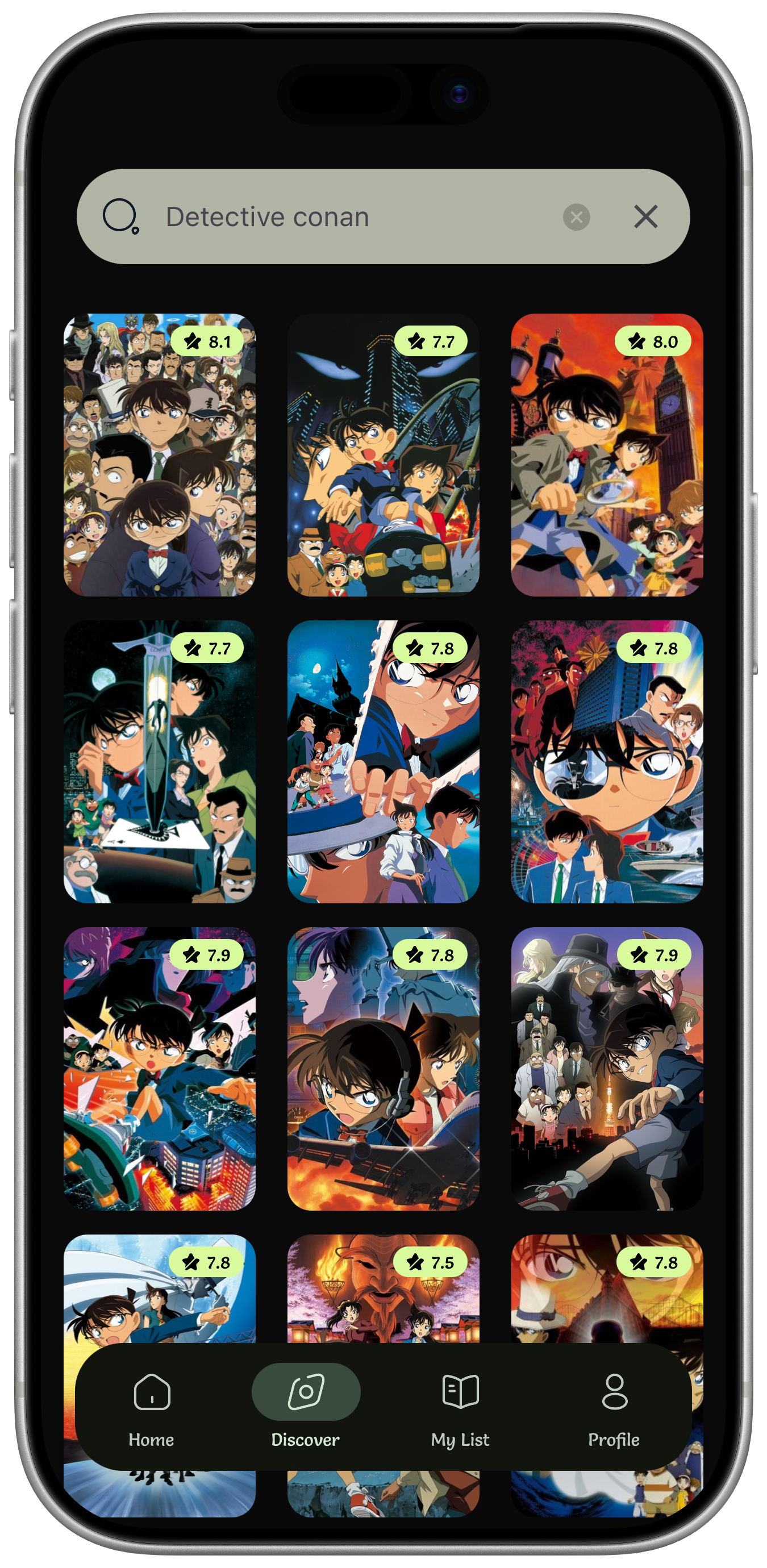
One search field over more than ten thousand titles. Results land as a poster grid with scores, so a franchise with thirty entries is still readable at a glance.
- Search
- Free text across the catalogue
- Results
- Poster grid, scores on each card
- Clear
- One tap back to browsing
Ready